WARDOGS Surrender Emote — How to Raise Your Hands
Published 2026-09-15Updated 2026-09-192 min read
The WARDOGS hands-up surrender is an emote on the long-press Q wheel: how to trigger it, and why it won't save your life.
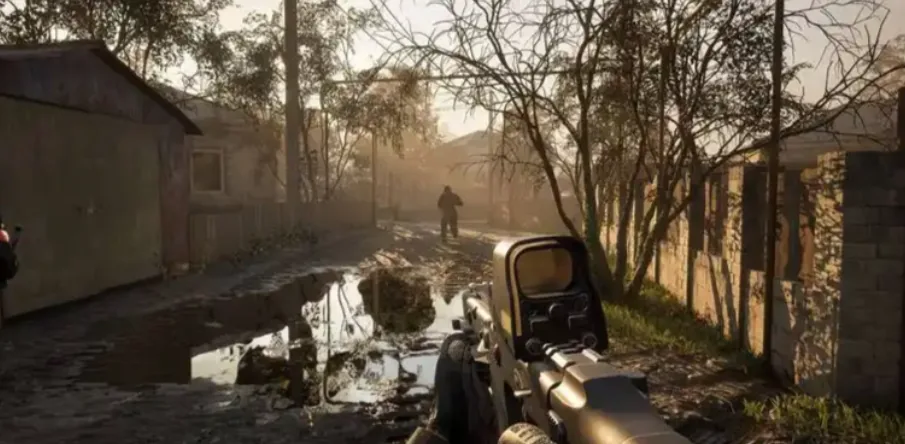
The "surrender" in WARDOGS is a hands-up emote on the communication wheel, not a game mechanic.
How to Trigger It
- PC: press and hold Q to open the marker/emote wheel; controller: long-press R3 (right stick click).
- Select the surrender/hands-up icon and release.
- The animation plays only with empty hands — stow your weapon first, or the option sits greyed out on the wheel.
You can rebind the wheel under Settings → Controls → Communication.
What It Doesn't Do
Nothing protective. The hands-up animation carries no invulnerability, no damage reduction, no surrender-state — enemies can and will shoot you mid-emote. It's for comedy, memes and photo ops, not negotiation. If your long-press Q only spawns map markers, that's the tell: your weapon is still out. Holster it and the emote options unlock.
Related: horn keybinds · how to team up · beginner guide