WARDOGS How to Put Hands Up — Emote Wheel and Horn Keys
Published 2026-09-213 min read
How to put your hands up in WARDOGS: the empty-hands rule, the marker wheel steps, controller binds, and the H-key horn every vehicle has.
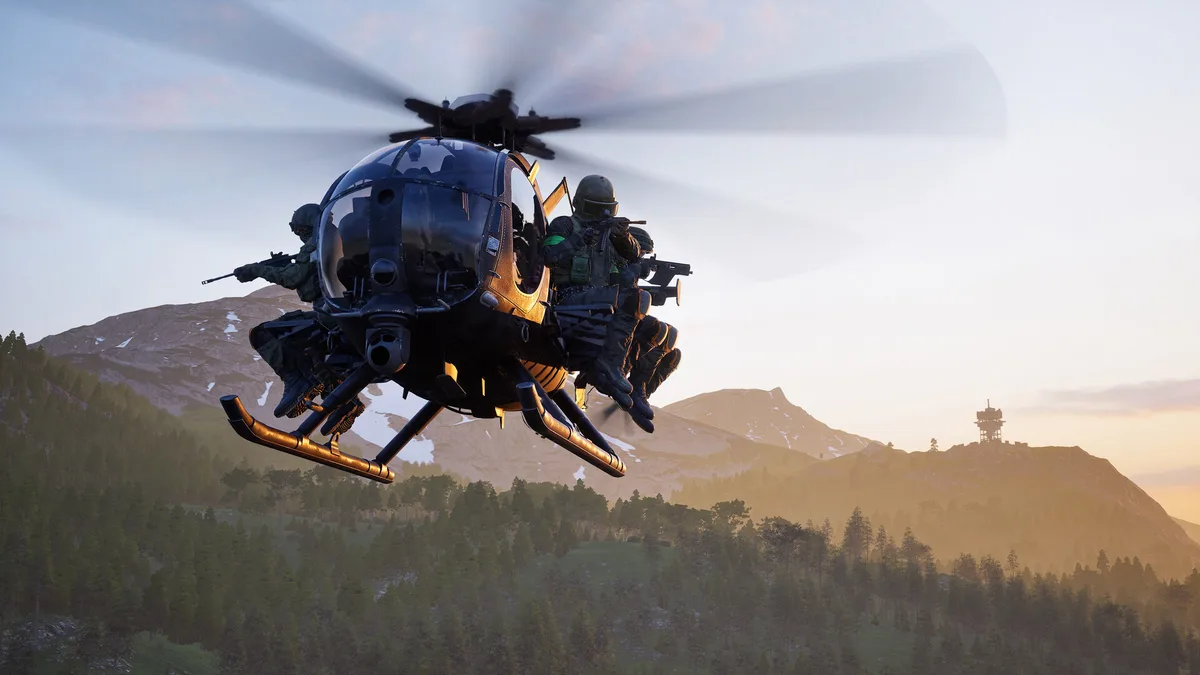
Two of the most-searched WARDOGS controls are "how do I put my hands up" and "how do I honk the horn". Neither is printed on any HUD hint, and both live on keys the game never teaches. Here's the full walkthrough for each.
How to Put Hands Up (Step by Step)
- Holster your weapon first. The hands-up animation only plays with empty hands — if your gun is out, the option sits greyed out on the wheel.
- Press and hold Q to open the marker/emote wheel. On controller, long-press R3 (right stick click).
- Select the surrender/hands-up icon on the wheel and release the key.
- Your soldier raises both hands for the emote animation. Rebind the wheel any time under Settings → Controls → Communication.
Important: the hands-up emote is cosmetic. It grants no invulnerability, no damage reduction and no surrender state — enemies can and will shoot you mid-animation. If holding Q only pings map markers, your weapon is still equipped: stow it and the emote slots unlock. The full background on the emote is in our surrender emote guide.
How to Honk the Horn
Press H while driving any vehicle — truck, Humvee, or the fuel truck — and the horn sounds. That's the entire mechanic, but it earns its keep three ways:
- Pickup calls. A honk tells nearby infantry the truck is leaving now, faster than typing in squad chat.
- Convoy talk. In a line of vehicles, a horn signals lane changes, danger stops and "this is your stop".
- FOB traffic. Narrow gates and reversing trucks: a honk beats a collision every time.
Can't honk? You're probably a passenger, not the driver — only the driver's seat gets the H key. If H does nothing after rebinding your controls, check the keybind fixes for broken keybinds after rebinding, which can knock out other binds too.
Related: surrender emote key · horn keybinds · how to team up