WARDOGS Community Servers — Find, Join & Report After Patch 0.11
Published 2026-09-244 min read
How to find and join WARDOGS community servers after Patch 0.11: the new Community browser, text search, persistent server IDs, approved hosts and how reporting differs.
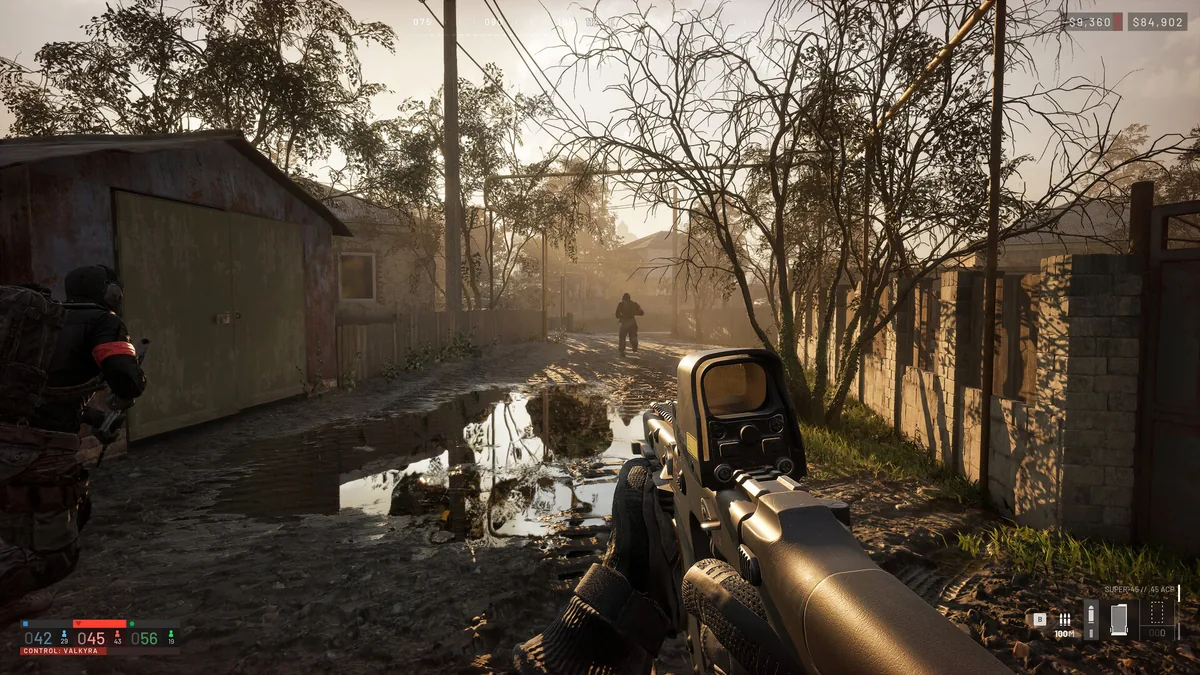
Patch 0.11 split server browsing in two: a cleaned-up Official browser and a dedicated Community browser with proper text search. If you're hunting a specific community server and can't find it, you're almost certainly looking in the wrong browser — or using an old server ID.
Finding and Joining a Community Server
| You want to | Do this after Patch 0.11 |
|---|---|
| Join an official match | Open the Official browser — the patch removed its old filters, so results are no longer hidden. |
| Find a community by name | Open the Community browser and use the new text search. |
| Return to a known server | Use its server ID. Patch 0.11 is designed to keep that ID stable across matches and restarts — ask the community for its current ID if yours doesn't resolve. |
| See empty or full servers | Toggle Show Empty/Full in the browser's quick bar. |
Still missing? Re-check the Community browser and your filters first. If a listed server won't let you in, remember that a listing or a player count alone doesn't guarantee joinability — ask the host, and include the server name/ID in a support report if it keeps failing.
Two caveats worth knowing: favourites and tiered priority queues were announced as upcoming, not live features. And a temporary 5% End of Match cash bonus on Community servers was part of the Patch 0.11 notice — it had no stated expiry, so check the current announcement before treating it as permanent.
Who Moderates What: Official vs Community
BULKHEAD's September 8 announcement drew a clean line:
| Server type | Reporting and moderation |
|---|---|
| Official servers | Use the in-game report function for suspected cheating or misconduct — BULKHEAD handles it. |
| Community servers | That server's admins can immediately ban rule-breakers and handle local moderation — take issues to them first. |
Season 1 also added report tracking and reduced the weight of repeat or bad-faith reports, and changed a kicked-from-server message tied to bans. The headline: being kicked or disconnected is not, by itself, a ban — keep the exact message if you plan to appeal. (Full walkthrough in our error 1628505091 fix guide.)
Renting a Server
The same announcement named QONZER, BisectHosting and xREALM as approved hosting partners at the time. Check each provider's current availability and terms before renting — and note that the announcement covers partner-hosted servers only; it does not confirm support for running the server software on your own hardware.
One honest warning from the notes: community moderation does not guarantee cheat-free matches. Official reports and community admins are different tools for different problems.
Related: error 1628505091 fix · FOB building guide · how to add friends · crash fixes