WARDOGS on Steam Deck & Linux — Official Support Status (2026)
Published 2026-09-244 min read
Does WARDOGS run on Steam Deck or Linux? BULKHEAD's September statement: no official Linux support at Early Access launch, Proton work continues, no date committed.
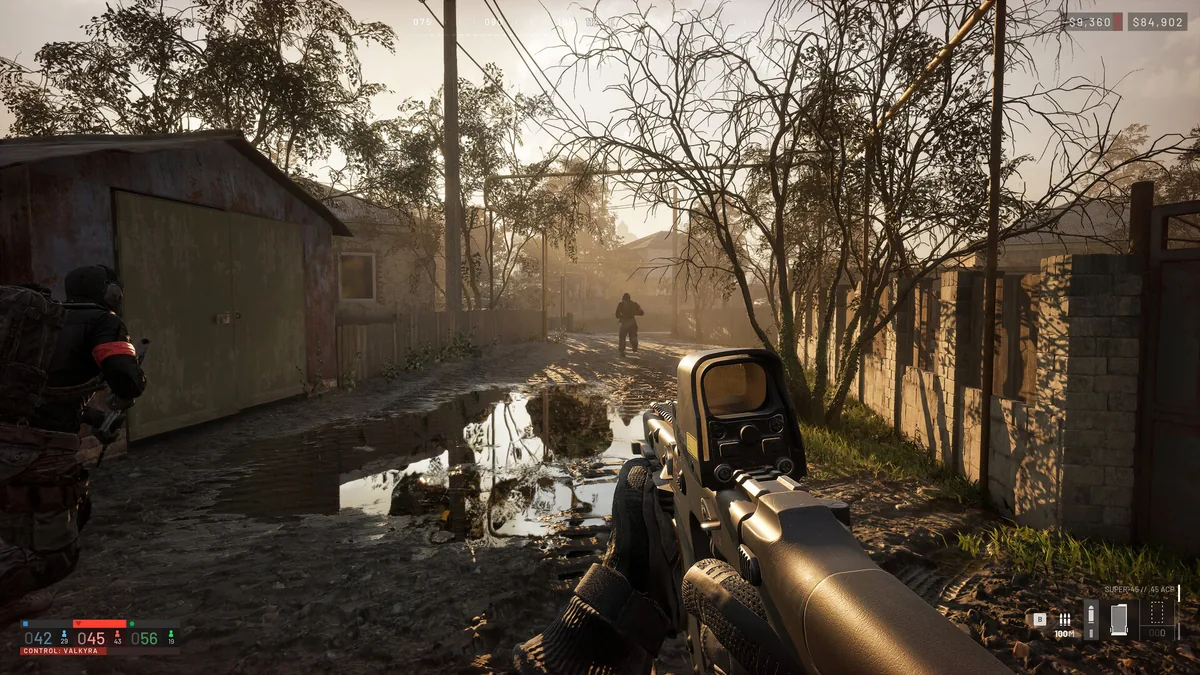
Short answer: no official Linux or Steam Deck support at the Early Access launch. In a September 4 statement, BULKHEAD said the team does not officially support Linux and could not commit to supporting it for the September 10 Early Access launch — while noting that work on Proton compatibility continues, with no support date confirmed.
What the Statement Does and Doesn't Say
The statement is narrower than rumors make it:
- Confirmed: Linux is not officially supported at launch; there is no committed support date.
- Confirmed: Proton compatibility work is ongoing.
- Not established: that the game runs well (or at all) on your specific Linux setup.
- Not established: Steam Deck frame rates, a working community fix, or a future "Verified" rating.
Two traps the community falls into: an older Alpha or Beta build running on Linux does not establish official support for the current one — builds change, anti-cheat changes with them. And an old "it worked in the test" report is not a launch guarantee for Steam Deck or SteamOS. If you buy the game specifically for Deck play, you are betting on Proton progress, not on a promise.
If You Try It Anyway (Proton, Unofficial)
Since official support doesn't exist yet, anything that works today is unofficial and can break in any patch:
- SteamOS / Steam Deck: force Proton Experimental (or the newest Proton GE) in the game's Compatibility settings before installing.
- Desktop Linux: same Proton route through Steam, and make sure your GPU drivers are current — the game's official target is 1080p Low at 60 fps with upscaling even on Windows.
- Expect anti-cheat friction. The game ships with anti-cheat (see our anti-cheat error guide) — kernel-level anti-cheat is historically the first thing that breaks under Proton.
- Check after every patch, not just once. A Proton configuration that survives one update is not guaranteed the next.
The Windows Baseline, for Comparison
If you're deciding between Deck and a Windows machine, the official PC requirements are the reference point:
| Component | Minimum | Recommended |
|---|---|---|
| OS | Windows 10 64-bit | Windows 11 64-bit |
| CPU | Core i5-8600 / Ryzen 5 3500 | Core i7-12700K / Ryzen 7 5700X |
| GPU | GTX 1660 / RX 590 | RTX 3070 / RX 6700 XT |
| RAM | 16 GB | 16 GB |
| Storage | 50 GB | 50 GB |
The official performance target: 1080p Low at 60 fps with upscaling on minimum spec, and 1440p Medium at 70+ fps native (or 4K Medium at 60+ upscaled) on recommended. The requirements table is a performance target, not a benchmark — and it says nothing about Deck hardware either way.
Related: system requirements · anti-cheat error fix · crash fixes · best graphics settings