WARDOGS Error 1628505091 Fix — Join Timed Out (Official Steps)
Published 2026-09-244 min read
Error 1628505091 in WARDOGS means the join timed out — Team17 Support confirmed it is not a ban. The official recovery steps, what not to do, and how it differs from a disconnect.
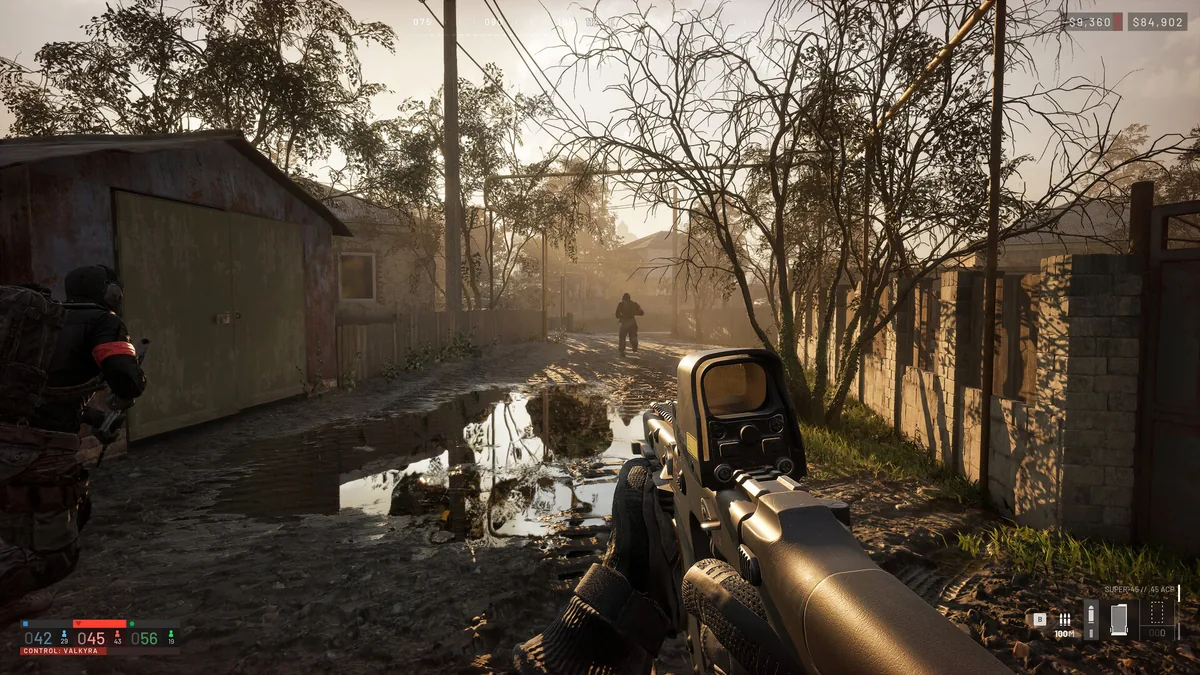
Error 1628505091 appears when a match join times out. In a September 10 reply, Team17 Support explained the cause pattern: the target server may be struggling, full, or changing state while you try to join. Two things the official reply makes clear — this code does not identify one universal cause, and it does not mean you were banned.
The Official Recovery Steps
Work down the list in order; each step is from Team17's own guidance:
- Check the latest official notice, then refresh the server list and retry the same server.
- Try another server. If practical, try another suitable region — and sanity-check that the rest of your network is working.
- Restart Steam and WARDOGS once. One clean restart, not five.
- If the error persists across different servers, send the full error message, the server/region and the time to official support. That report is what triggers a case-specific answer.
What NOT to Do
- Don't reinstall the game on repeat. Team17's guidance notes that repeatedly reinstalling is not an established fix for a server timeout — this is a join-side problem, not a broken install.
- Don't substitute error numbers. Codes like 1147405308 and 1147405300 are different reported errors with different diagnoses. Record the exact number and the exact wording you saw.
- Don't assume a ban. Nothing about 1628505091 establishes one (see below).
Kicked, Queued or Banned? Telling Them Apart
These three get confused constantly, especially since the September 10 launch hotfix:
| What you see | What it actually means |
|---|---|
| Back in the queue after updating | Returning to the queue and entering in batches was expected behavior during the launch hotfix rollout — not proof of a failed install or a penalty. |
| Join fails or you drop mid-match | Both symptoms were covered by the hotfix. If they continue on the updated client, record server name, time and the exact error for a support report. |
| A message explicitly says "banned" | Keep the exact wording and follow the support route in the notice. On community servers, moderation is handled by that server's admins. |
The rule from the official notes: a disconnect by itself does not establish a ban. Season 1 also added report tracking and reduced the weight of repeat or bad-faith reports, so one angry lobby is not a sentence.
Write a Report That Gets Answered
A useful problem report includes: your client version, the server or region, the approximate time, and the full error text — plus whether it happened before the queue, while joining, or during play. Those four facts separate the failure modes without anyone guessing.
Related: crash fixes · anti-cheat error fix · access denied fix · how to add friends